Why the MW4 Loadout Bug Happens in Multiplayer & Warzone
Reports across r/modernwarfare4 describe three distinct behaviors triggered by the mw4 loadout bug. In the most common variant, Gunsmith displays all five attachments properly before queuing, yet loading into the live map strips your rifle back to base iron sights with zero attachments attached.
A second pattern hits PC players transitioning continuously from one completed Multiplayer match directly into the next lobby without backing out. Under continuous matchmaking transitions, the local snapshot for your saved MW4 loadout fails to hand off cleanly, reverting recent edits or scrambling custom slots from previous sessions.
Finally, freshly Prestiged accounts frequently experience temporary server-to-client desynchronization between Levels 1 and 4, leaving custom classes greyed out or stripped whenever newly unlocked perks, Mastercraft skins, or seasonal Event Camos fail backend validation checks.
| Symptom Observed | Primary Trigger | Fastest Fix | Prevention Habit |
|---|---|---|---|
| Weapon spawns with 0/5 attachments in-game | Live match profile failed to sync class array | Pause -> Create-a-Class -> Re-select Custom Blueprint | Save Custom Blueprint & commit 1 full match |
| Classes vanish across consecutive matches (PC) | Continuous match-to-match lobby chaining | Restart queue cleanly from Main MP Lobby | Back out to Main Lobby after each completed game |
| Only one specific class reverts after edits | Restricted Event Camo or corrupted slot index | Remove Event Camo / Mastercraft & rebuild from Slot 1 | Avoid cloning bugged Slot 6+ classes directly |
| All custom slots wiped or locked post-Prestige | Early Level 1-4 Prestige backend desync | Full game restart after reaching Level 4+ | Wait until Custom Loadouts cleanly unlock before mass editing |
5 Proven Steps to Fix the MW4 Loadout Bug Immediately
When the mw4 loadout bug strikes mid-session, you do not always need to eat a quit penalty or sit through an entire match using base iron sights. Work through these five fixes from fastest mid-match recovery down to full client cache verification.
Combining step 1 (saving Custom Weapon Blueprints) with step 2 (manually backing out between PC queues) resolves almost every recurring disappearance report shared by active r/modernwarfare4 players.
Step 1: Force a Mid-Match Gunsmith Blueprint Resync
Press Pause during the match, open Loadouts, highlight your affected class, and select your saved Custom Weapon Blueprint (or toggle one attachment off and back on) so the server writes the updated array on your next respawn.
Step 2: Back Out to the Main Multiplayer Lobby Between Matches
Instead of letting the post-match countdown roll automatically into the next lobby, manually exit to the Main Multiplayer Lobby on PC and console before re-queuing to prevent match-transition class wipes.
Step 3: Save Every Meta Setup as a Custom Blueprint & Play 1 Full Game
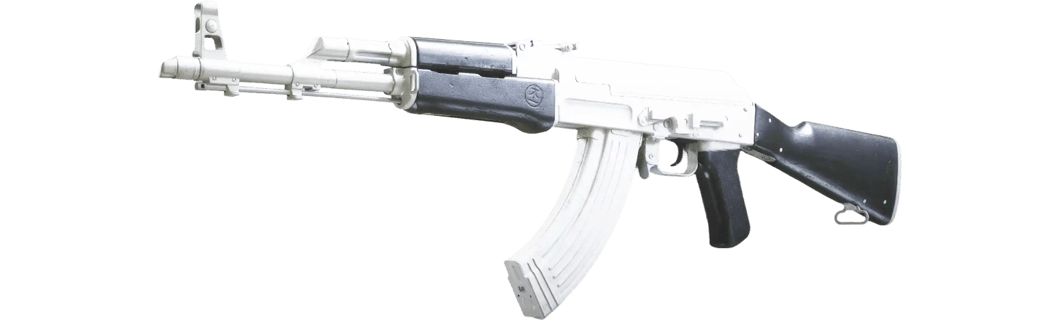
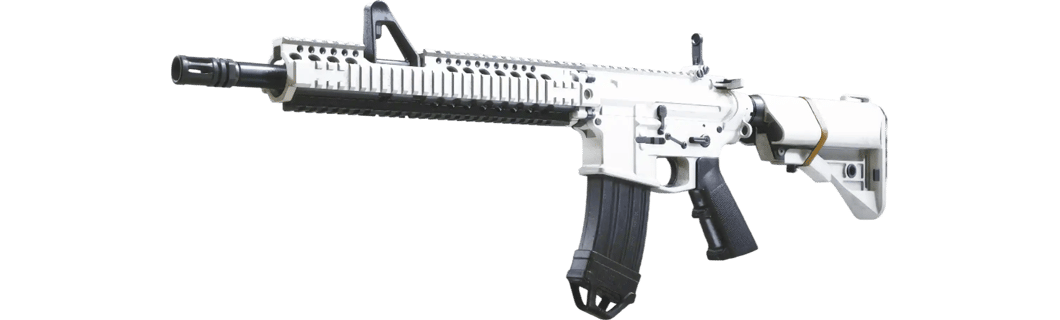
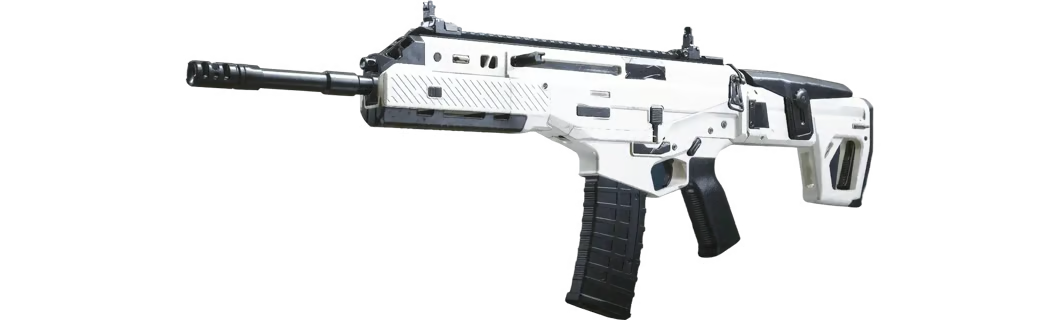
Never edit loadouts while actively searching for a lobby. Build classes in an idle lobby, save Custom Mod Blueprints for M4, Kastov 762, and Cronen Osprey, and finish one full public match afterward to commit cloud sync.
Step 4: Strip New Event Camos, Mastercrafts & Bugged Slot Indexes
If only one rifle loses attachments, temporarily clear newly unlocked Event Camos or Mastercraft blueprints, rebuild the setup cleanly inside Custom Slot 1, and wait past Level 4 right after entering Prestige.
Step 5: Purge CoD HQ Cache & Verify Steam or Battle.net Files
Close Call of Duty HQ completely (avoid console Quick Resume / Rest Mode), run Verify Integrity of Game Files on Steam or Scan & Repair on Battle.net, or unplug consoles for 2 to 3 minutes to flush stale profile cache.
Live matchmaking lockouts frequently catch half-finished Gunsmith edits right as a server handoff begins, which is one of the fastest ways to trigger the mw4 loadout bug and overwrite your cloud save with empty slots.
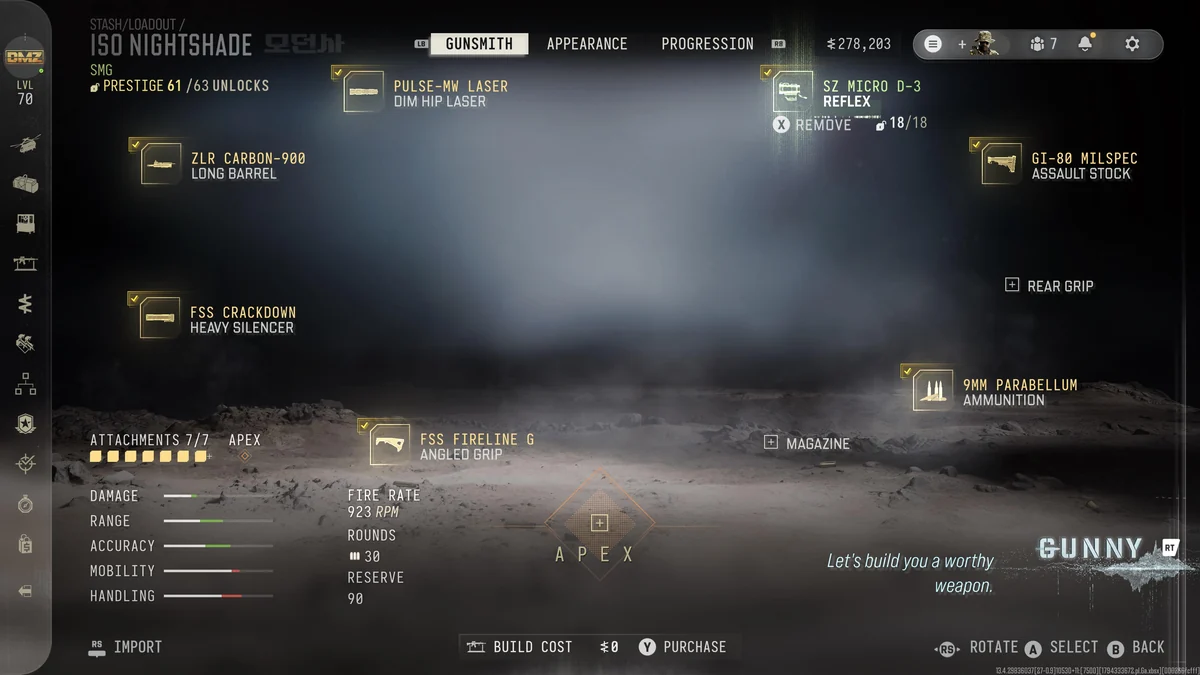
How Custom Weapon Blueprints Bulletproof Your Builds Against Future Wipes
Even when seasonal patches reduce match-transition glitches, saving Custom Weapon Blueprints turns a tedious three-minute rebuild into a two-click recovery. Every Custom Blueprint stores your exact five attachments (and compatible tuning) independently of your numbered Loadout Slots.
Think of Loadout Slots 1 through 10 as temporary playlists, whereas saved Custom Blueprints act as permanent backups inside your Armory. Whenever an update or sudden mw4 loadout bug clears a class slot, re-equipping your named Custom Blueprint inside Gunsmith restores the whole gun cleanly in seconds.
Before jumping into Ranked or Warzone tournaments after a major title update, always verify our live Patch Notes tracker and store your core attachment presets inside the MW4 Loadout Builder so you always have an external reference for every barrel, muzzle, grip, and optic.
- Save named presets per game mode (for example M4 MP Anchor vs M4 Warzone Flex) so you never scramble before match countdowns.
- After a title update drops, check Loadout Slot 1 first in Firing Range to confirm attachments render visibly on the inspection model.
- Keep secondary builds lightweight until Levels 1 through 4 clear after triggering an account Prestige reset.
- Check whether newly added Event Camos fail validation before blaming all five Gunsmith slots.
Post-Prestige & Patch Day Checklist to Prevent Repeated Resets
Most repeat frustrations around the mw4 loadout bug hit players right on patch day or within fifteen minutes of triggering a Prestige reset. Following a three-point verification habit after updates eliminates almost all accidental wipes before you queue into live lobbies.
First, allow Call of Duty HQ to finish downloading any playlist update and restart cleanly once when prompted instead of rushing into Multiplayer immediately. Second, confirm your Prestige level unlock state using our Prestige Planner so restricted wildcards or perks do not invalidate copied slots. Third, test fire inside the Firing Range on your top builds such as Kastov 762, M4, and Cronen Osprey before searching.
| Check Item | Where to Verify | Expected Result | If Broken |
|---|---|---|---|
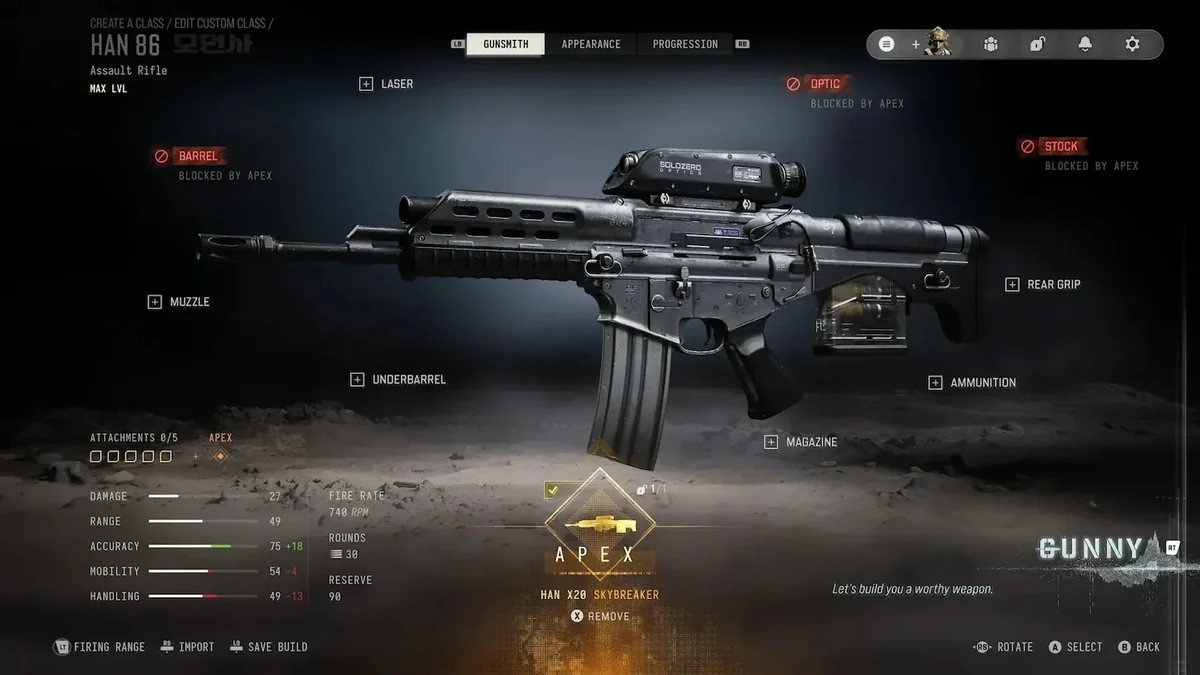
| Attachment Render | Firing Range Preview | All 5 slots + Apex attachment visibly attached | Re-apply saved Custom Weapon Blueprint |
| Perk & Wildcard Locks | Prestige Level Screen | No locked perk icons carried over post-Prestige | Swap back to base unlocked perks past Level 4 |
| Cosmetic Validation | Camo / Blueprint Tab | Event camo loads cleanly without stripping gun | Revert to standard Military camo temporarily |
| Cloud Profile Commit | 1 Full Public Match | Edits remain intact after returning to Main Lobby | Verify game files or power-cycle console cache |